Why does tuck. ask me to extend access my bank account?
By tuck. · Published · Last updated
Every 90 days tuck. asks you to extend bank access. Here's why it's a good thing, what Open Banking is, and how to do it in seconds.
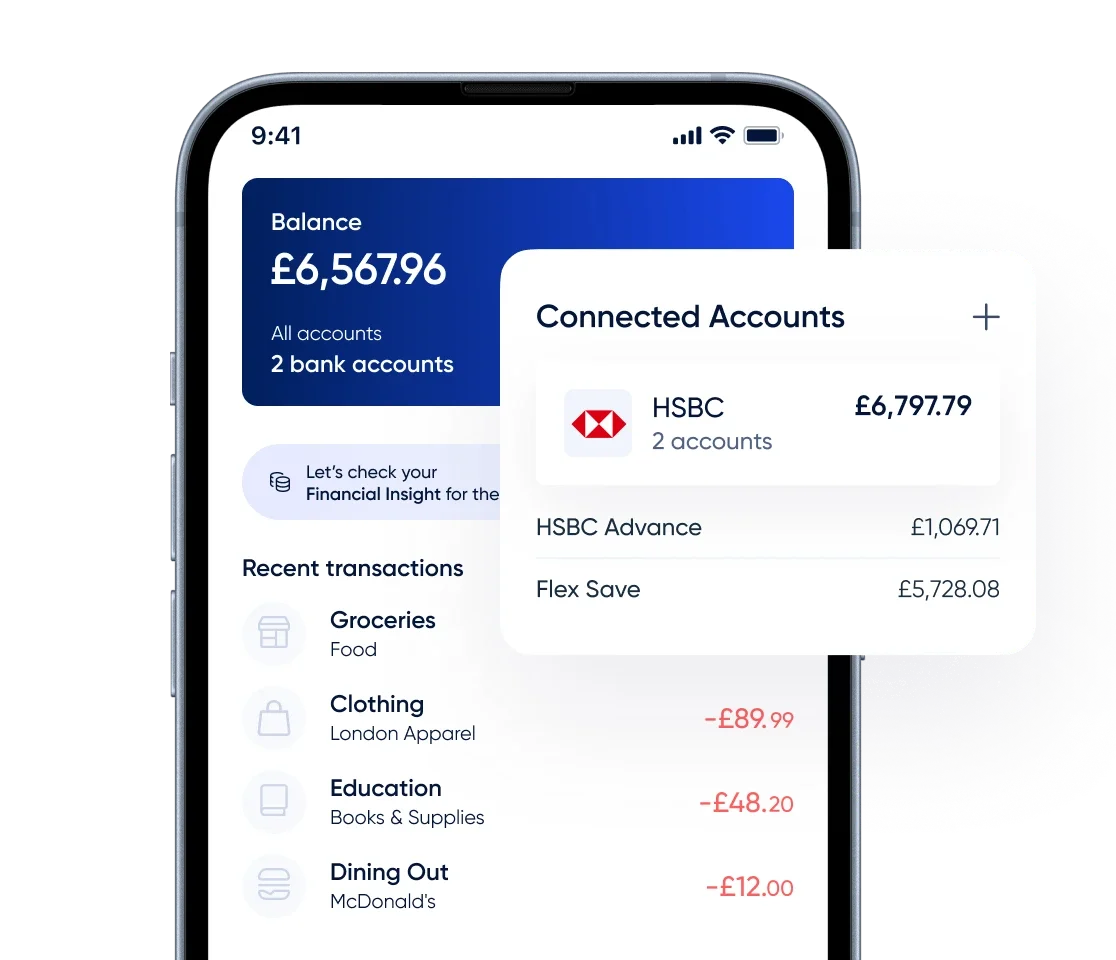
Seen a message in tuck. asking you to extend access to your bank account? Good news - it means everything is working exactly as it should. This prompt appears every 90 days as part of how Open Banking works in the UK, and it's a completely normal part of using any app that's connected to your bank.
It takes about 30 seconds to complete, and once you're done your personalised gift card suggestions will be right back to normal. Here's everything you need to know.
What is Open Banking?
Open Banking is a brilliant bit of UK financial infrastructure that lets you share your bank account information with apps you trust - like tuck. - without ever handing over your login details. It's fully regulated by the Financial Conduct Authority (FCA) and built on the same gold-standard security your bank uses every day.
When you connect your bank to tuck., you're not giving us a password - you're giving your bank permission to share your spending patterns with us. That means tuck. can learn which retailers you already shop at and surface the most relevant gift card deals for you. It's what makes your tuck. experience feel tailored rather than generic.
Open Banking is used by millions of people across the UK every day, through everything from savings apps to mortgage tools. It's widely considered the safest way to connect a financial service to your account.
Why the 90-day extension?
Under UK Open Banking regulations, your permission for an app to access your bank data is set to refresh every 90 days. It's a rule that puts you in control - every three months, tuck. simply checks you're still happy for the connection to continue.
Think of it like a friendly nudge from the system to make sure everything is still what you want. After 90 days, if you haven't confirmed, tuck. stops accessing your data - which is a good thing. It means no app can quietly hold onto your bank connection long after you've stopped using it.
A feature, not a hassle
This consent cycle was designed with your best interests in mind. It means you're always in the driving seat. If you ever change your mind about sharing data, you simply don't confirm - and tuck. stops straight away, no fuss.
We'll always send you a reminder before your 90 days are up, so there's no chance of being caught off guard.
Is it completely safe?
Absolutely. When you extend access, tuck. sends you directly to your own bank's app or website to confirm access. At no point does tuck. see your PIN, password, or login credentials - the whole process is handled by your bank's authentication system, which you already trust.
What tuck. receives is a permission token - a secure, encrypted signal from your bank that simply says you've given consent. That's all. It's the same technology used by leading UK fintech apps, and it's designed from the ground up to keep your money and data safe.
What if I miss the prompt?
No problem at all. If your Open Banking connection lapses, tuck. simply stops using your spending data to personalise your gift card suggestions - that's all. Your cashback, your balance, and everything you've earned is completely unaffected. Head to your Wallet tab in tuck. and tap to extend access, and your personalised recommendations will be back in moments. Our are always there if you need a hand, or you can reach our team directly through the app.
How to extend bank access - step by step
Here's all it takes:
- Open tuck. and tap the prompt to extend access, or head to your Wallet tab.
- Tap 'Extend access' - you'll be taken to your bank's own app or website.
- Confirm access using your usual method - Face ID, fingerprint, or PIN.
- You're straight back in tuck. - your personalised gift card suggestions are live again.
No forms to fill in, no starting from scratch. tuck. picks up right where it left off.
Will this happen every 90 days?
Yes - it's a recurring part of how Open Banking works across the UK, and it applies to every app that uses it, not just tuck. Most users find the process gets quicker every time, and the two-tap confirmation takes less time than unlocking your phone.
Each time you extend access, you're actively choosing to keep earning cashback at 200+ retailers including Tesco, ASDA, and Sainsbury's. It's a small moment that keeps your data, your account, and your savings firmly in your hands.